Bagisto Verified Review helps you manage product feedback. Make your store more trustworthy by displaying real reviews from real buyers.
This helps gather real feedback and build trust.
- Only customers who purchased a product can submit a review.
- Users can like or dislike reviews to indicate which reviews are helpful.
- Admins can control which reviews appear on the website.
- Customers can quickly find the latest or best reviews.
- Admins can approve, reject, or partially approve reviews.
Explore Bagisto ChatGPT AI Review Translator to unlock multilingual product feedback.
Notes: This extension is integrated OpenAI and LangChainensuring accurate translations and smooth moderation for global customers.
- This module works with Bagisto v2.3.6
Download and unzip the extension, then merge the “packages” folder into the project root directory.
- Open the composer.json file and add the following lines under the ‘psr-4’ section:
"Webkul\\Review\\": "packages/Webkul/Review/src"
- Open the bootstrap/providers.php file and add the following line under ‘return’
Webkul\Review\Providers\ReviewServiceProvider::class,
- Run the following command to complete the setup:
composer dump-autoload

php artisan review:install
- After following these steps, Bagisto Verified Review will be successfully installed and ready to use in your Bagisto v2.3.6 project.
Bagisto Verified Reviews Configuration
To configure Bagisto Verified Reviews, go to:
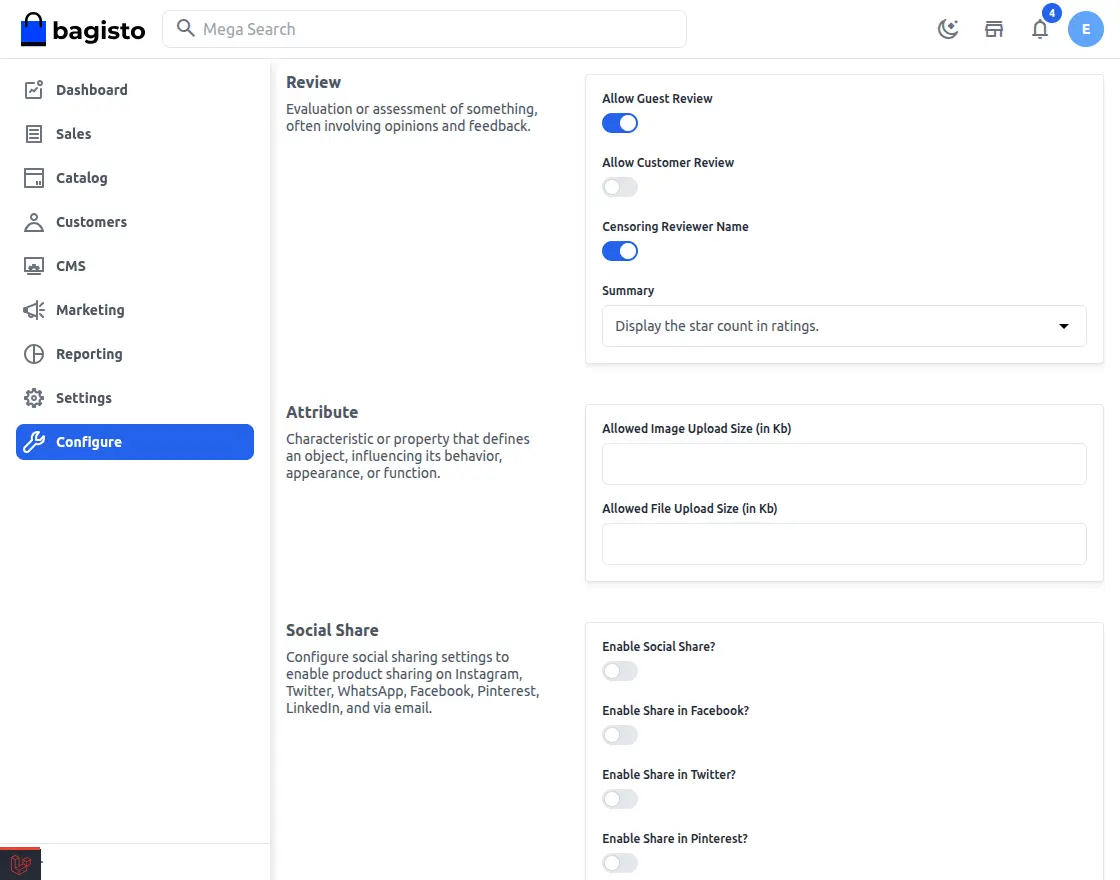
Admin Dashboard → Configuration → Products → Review
Here you can manage all settings for the extension.
Admin Overview Configuration
Allow Guest Reviews:
- Turn this ON so guests can submit reviews.
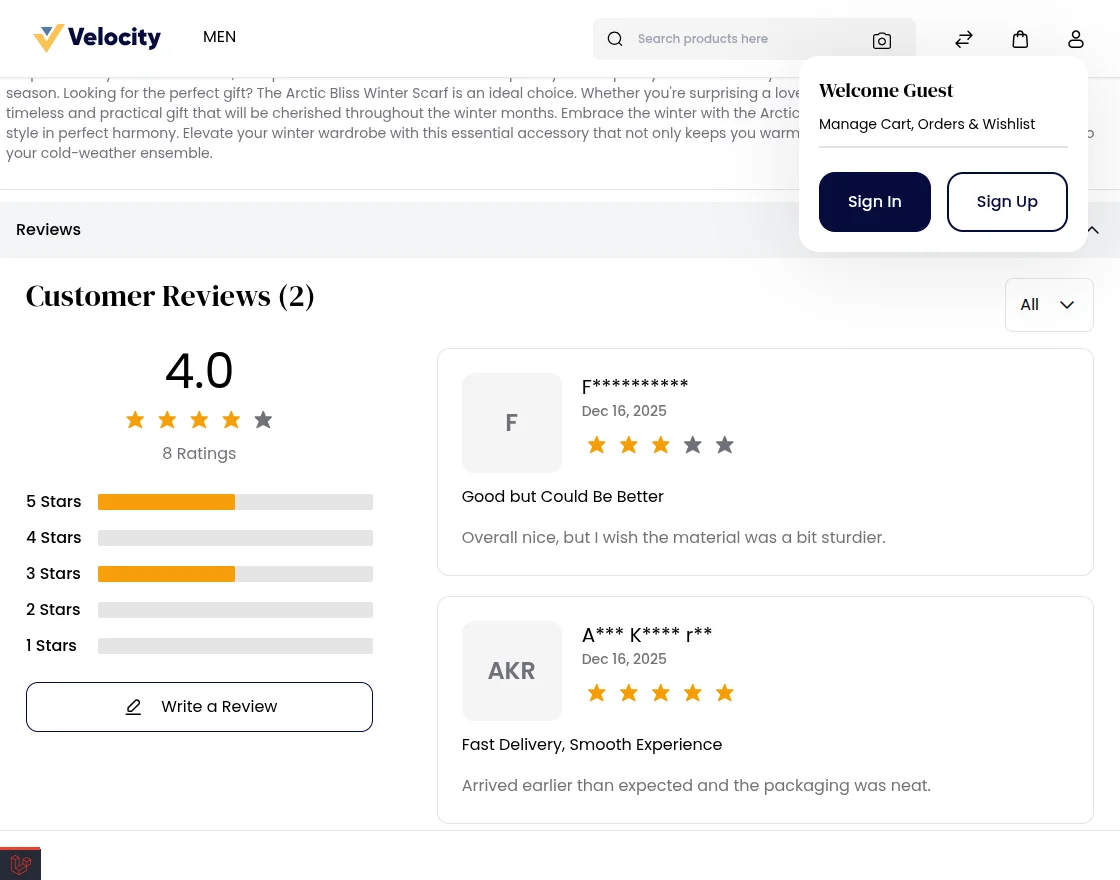
- Turn this off to only allow registered customers.
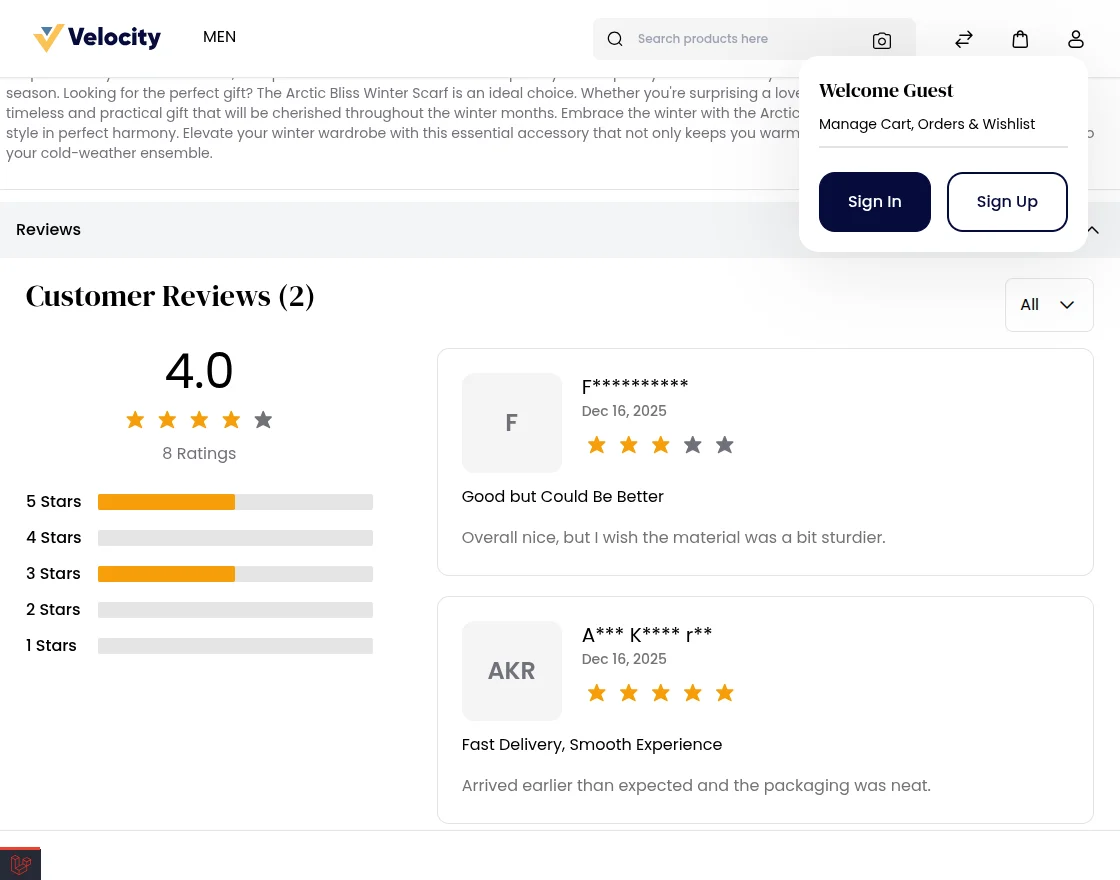
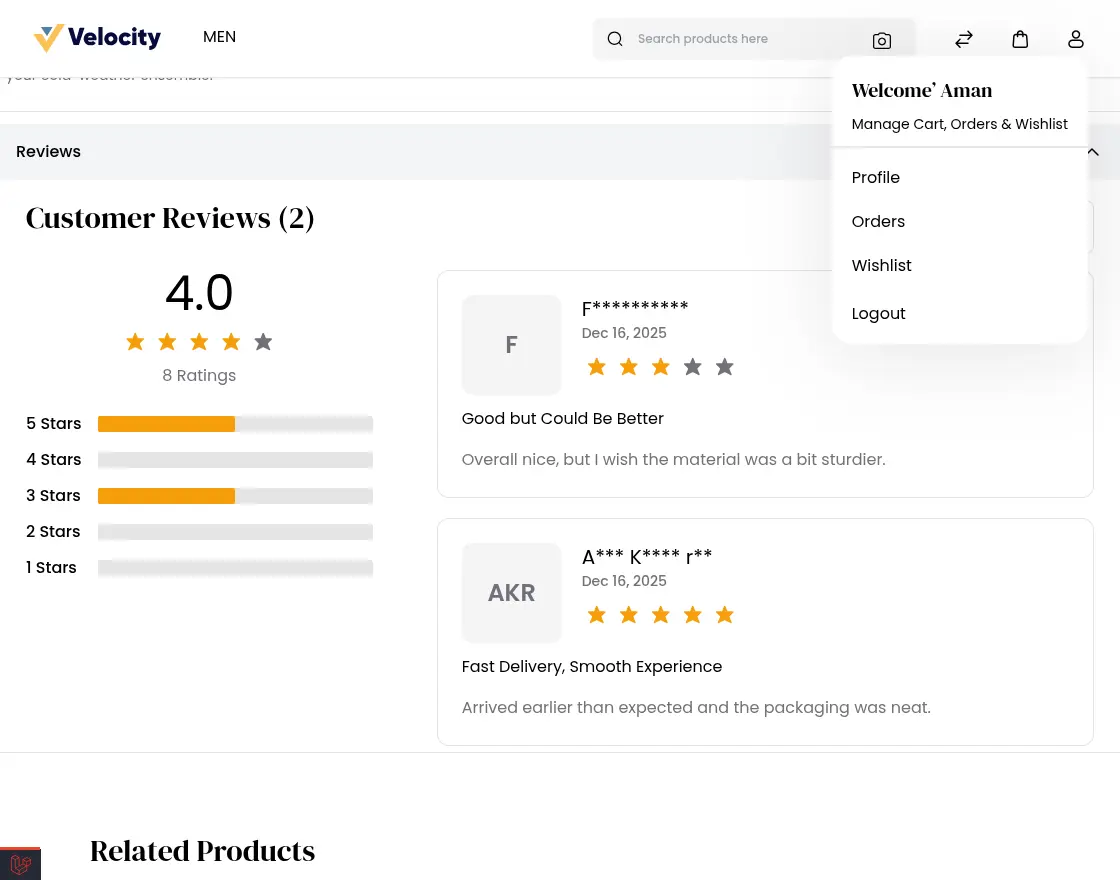
- Enable this to allow registered customers to submit reviews.
- Disable this to block all customer reviews.
- Enable this to hide reviewers’ names for privacy.
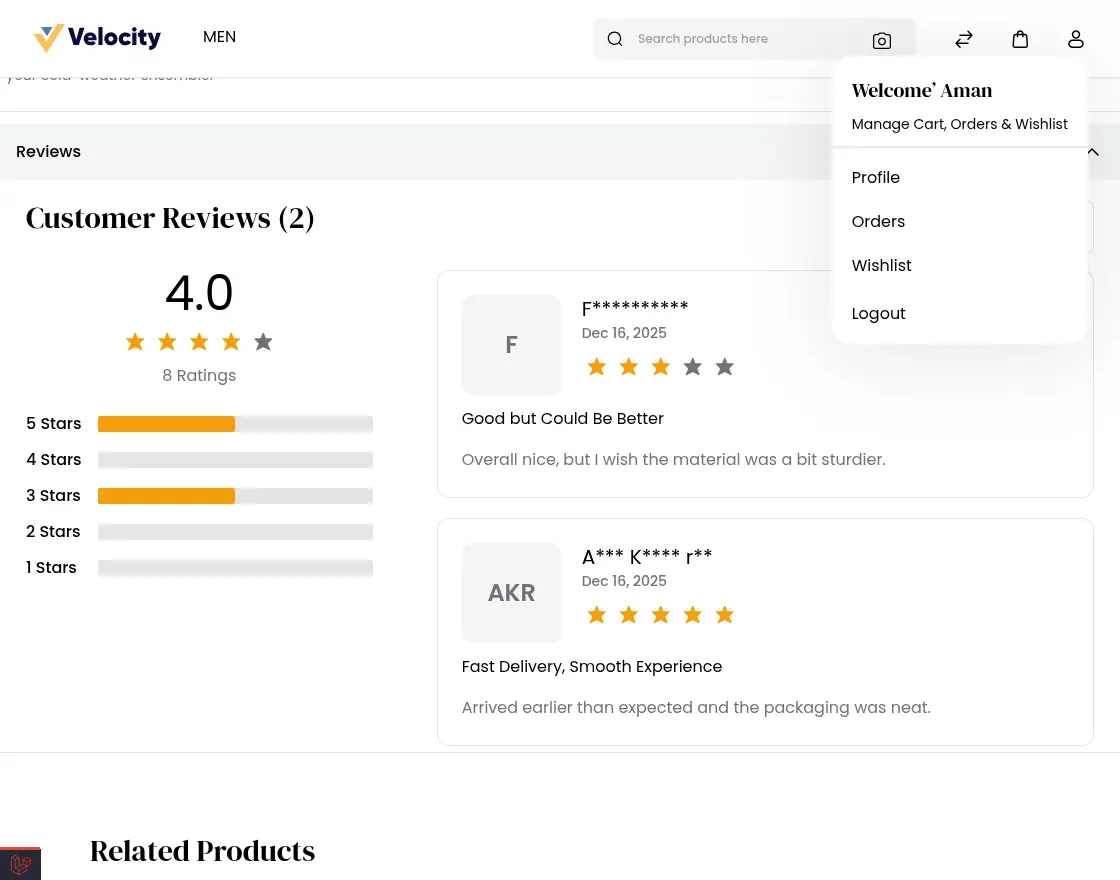
- Disable to display full name.
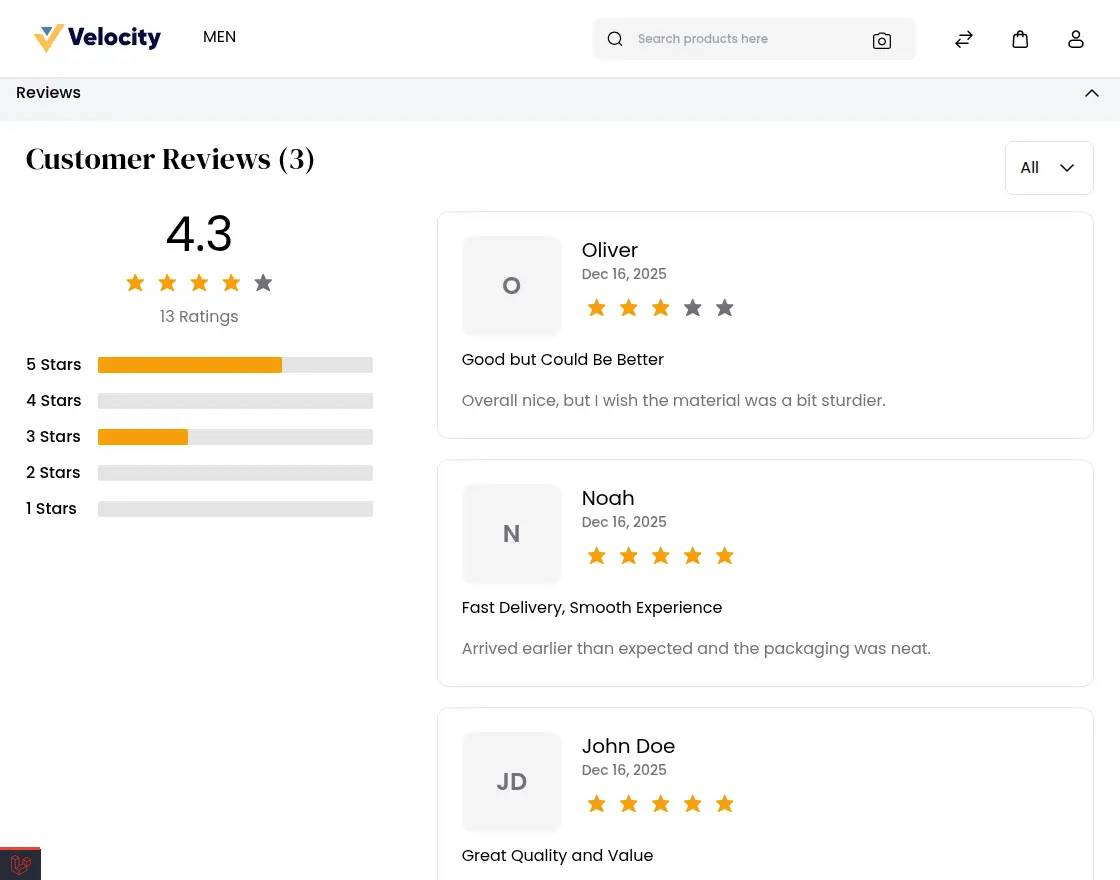
Review Rating Display Settings
Choose how product ratings will appear in the storefront.
- Number of Stars: Displays a quick visual score with stars.

Number of Stars in Review Section
Displays the total number of star ratings customers have given to a product on the product page.
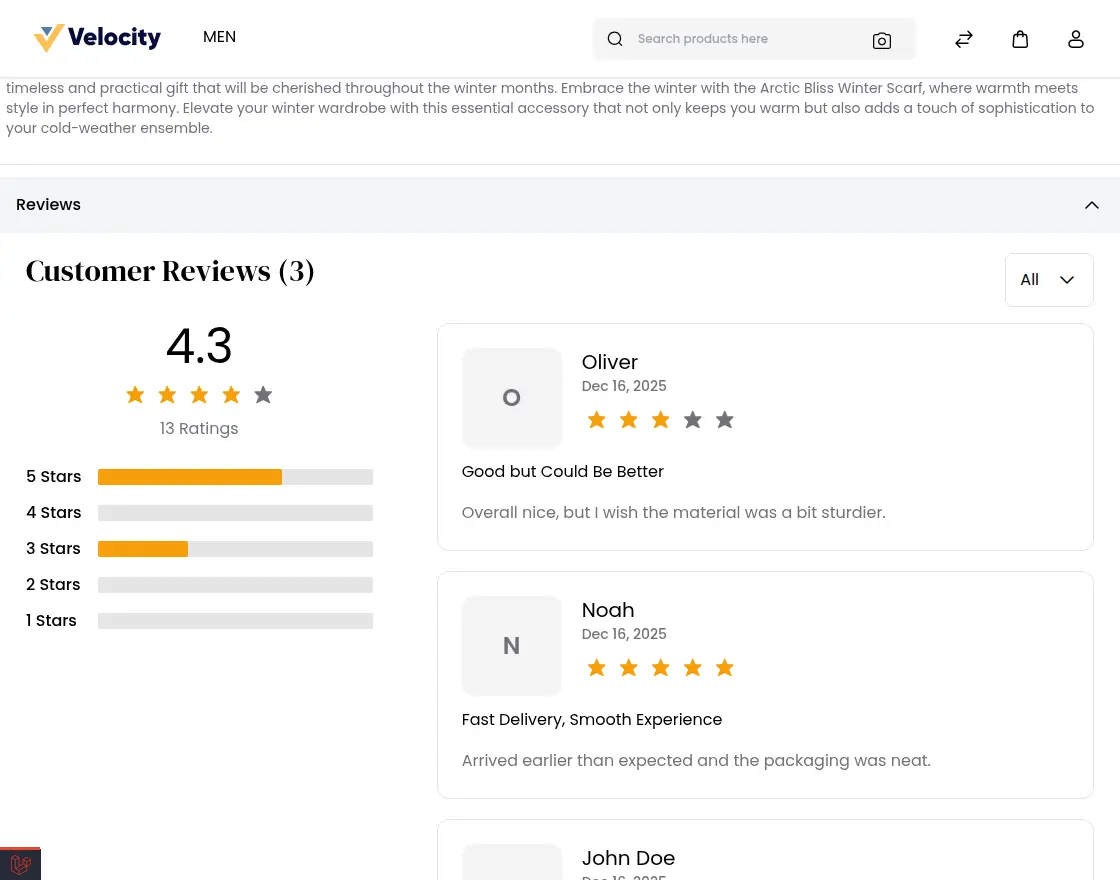
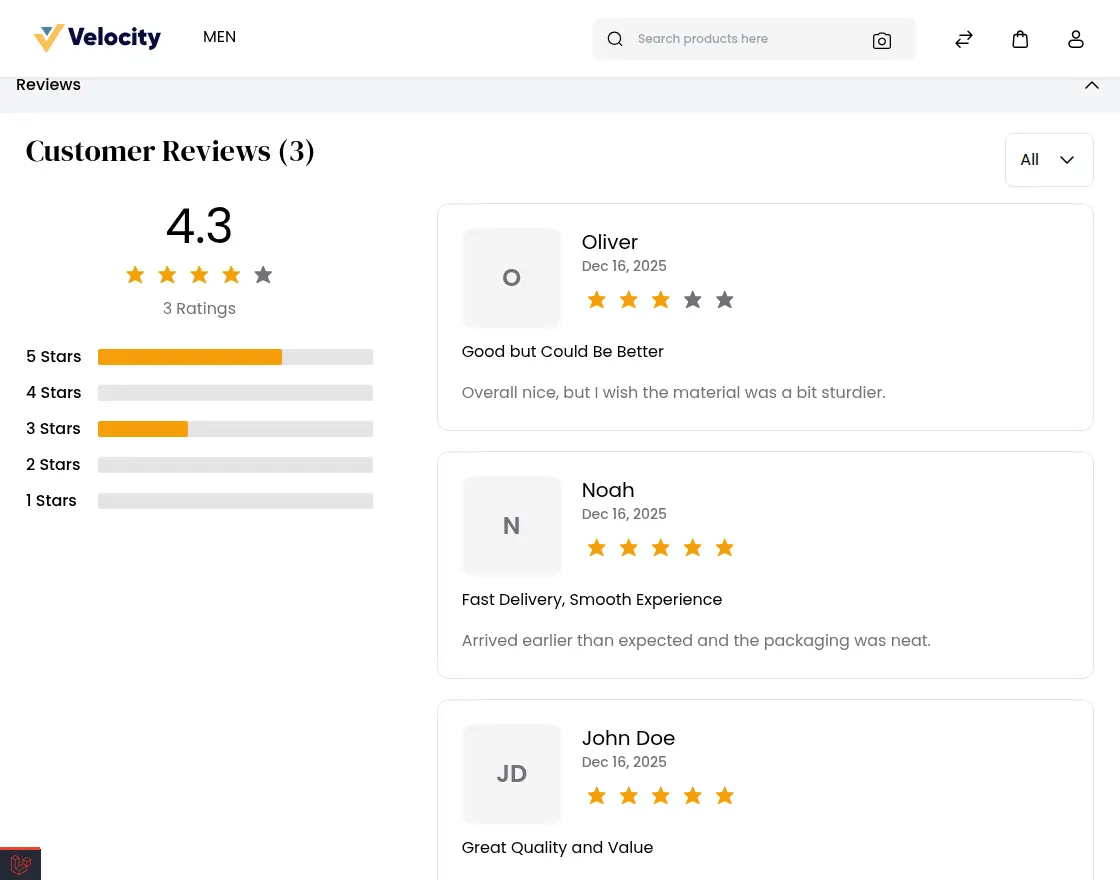
- Number of Reviews: Displays the total number of reviews submitted.

Number of Reviews in the Overview Section
Displays the total number of customer reviews submitted for a product on the product page.
Customer Reviews in Admin Panel
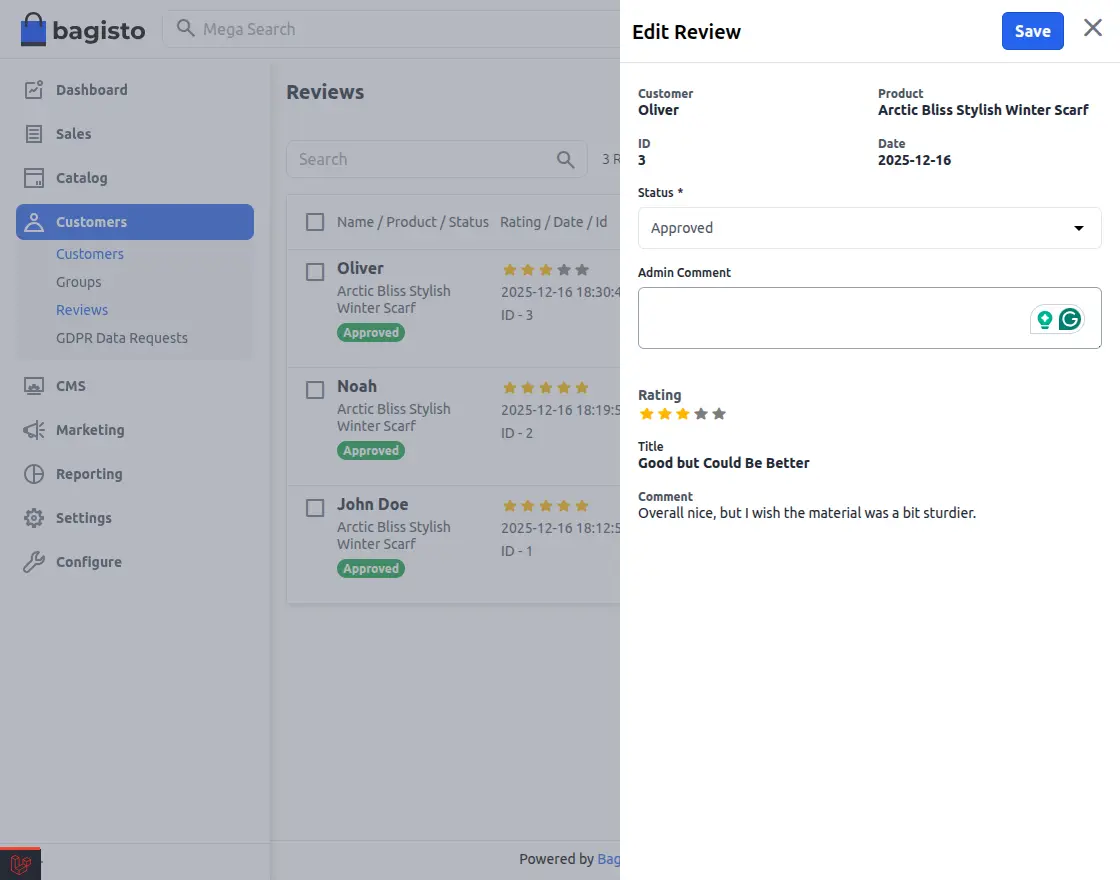
When customers submit product reviews, they will appear on Admin → Customers → Reviews.
Here, admins can easily view, manage and control all customer feedback.
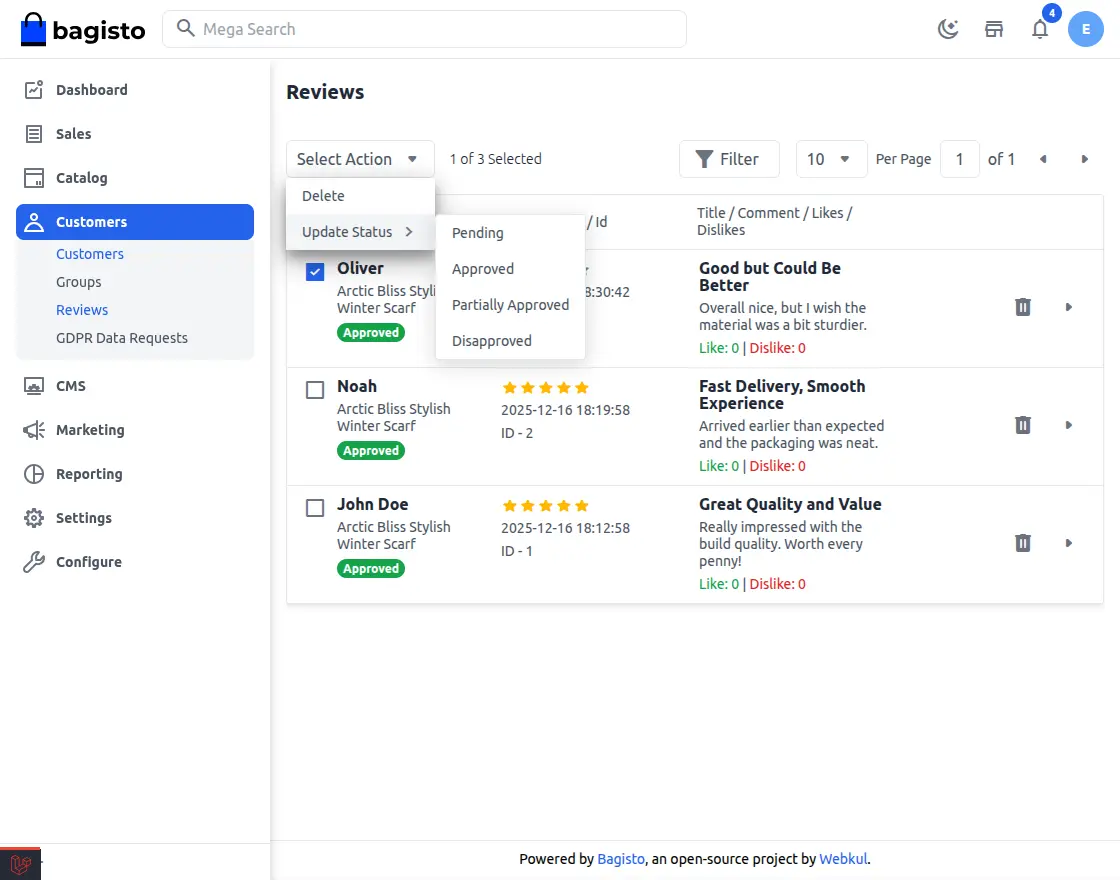
Admin Review Control Feature
All Reviews Spotted: Customers can see all the reviews they submitted. Each review links to the product.
- Approval Workflow: Admin can manage each review by setting its status:
- Approve: Show reviews in store.
- Don’t agree: Hiding or denying reviews from storefronts.
- Partial Consent: Shows only part of the review.
- Review Details: Each review shows details, ratings, and feedback.
- Content Control: Admin only displays useful reviews.
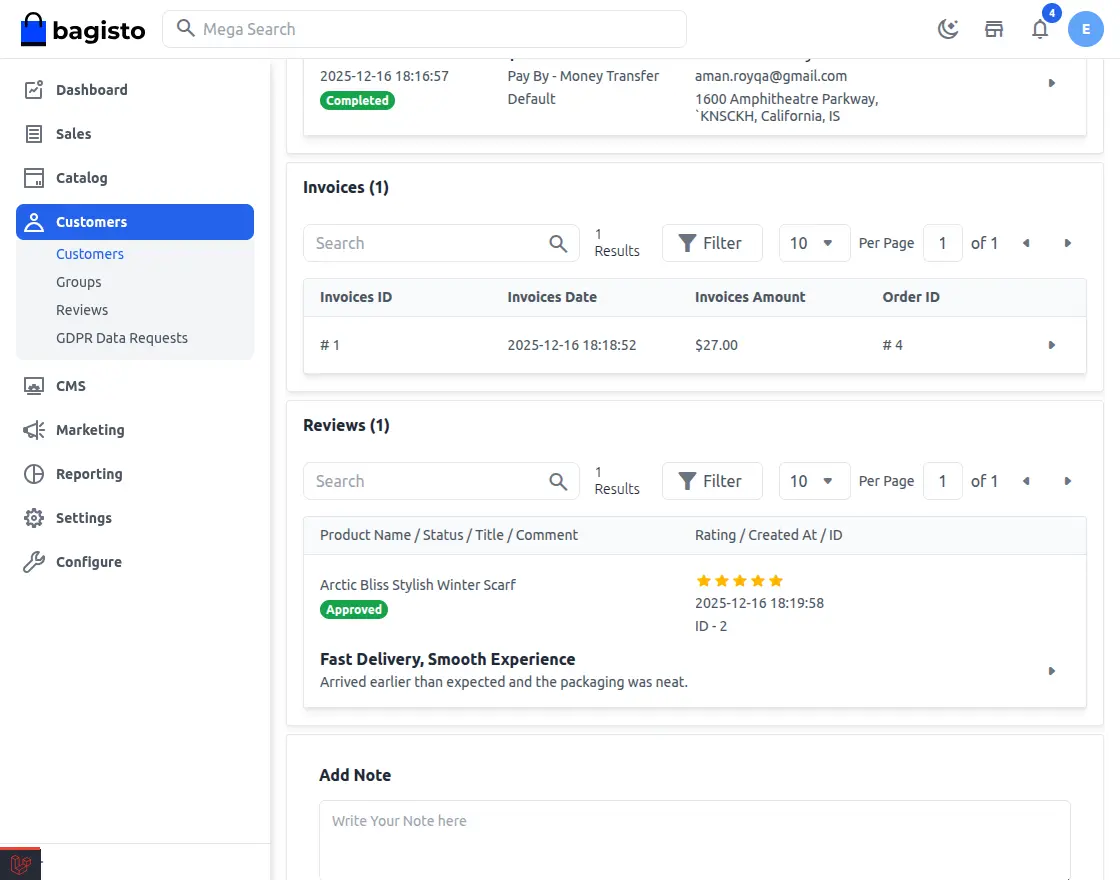
In the Admin → Customers → ViewThat Overview section shows all reviews submitted by that customer.
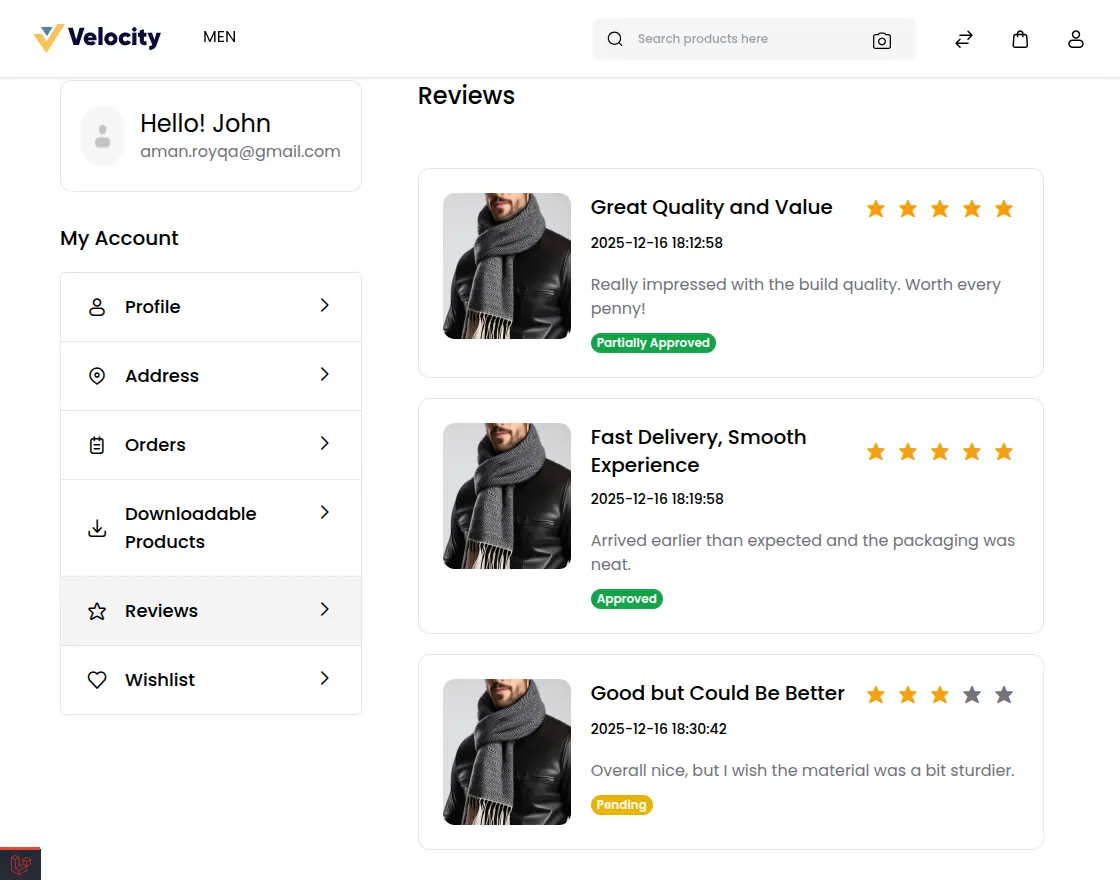
Customers can view submitted reviews and their approval status at My Review part.
For any questions or doubts, contact us at [email protected]. You can also apply for a ticket with us Help Desk System.
Current Product Version – v2.3.x
Supported Framework Version – v2.3.6

PakarPBN
A Private Blog Network (PBN) is a collection of websites that are controlled by a single individual or organization and used primarily to build backlinks to a “money site” in order to influence its ranking in search engines such as Google. The core idea behind a PBN is based on the importance of backlinks in Google’s ranking algorithm. Since Google views backlinks as signals of authority and trust, some website owners attempt to artificially create these signals through a controlled network of sites.
In a typical PBN setup, the owner acquires expired or aged domains that already have existing authority, backlinks, and history. These domains are rebuilt with new content and hosted separately, often using different IP addresses, hosting providers, themes, and ownership details to make them appear unrelated. Within the content published on these sites, links are strategically placed that point to the main website the owner wants to rank higher. By doing this, the owner attempts to pass link equity (also known as “link juice”) from the PBN sites to the target website.
The purpose of a PBN is to give the impression that the target website is naturally earning links from multiple independent sources. If done effectively, this can temporarily improve keyword rankings, increase organic visibility, and drive more traffic from search results.